

Problem Solutions15 Oct 2026· TAJ Corporation
Phone storage full? Free up space in 5 minutes
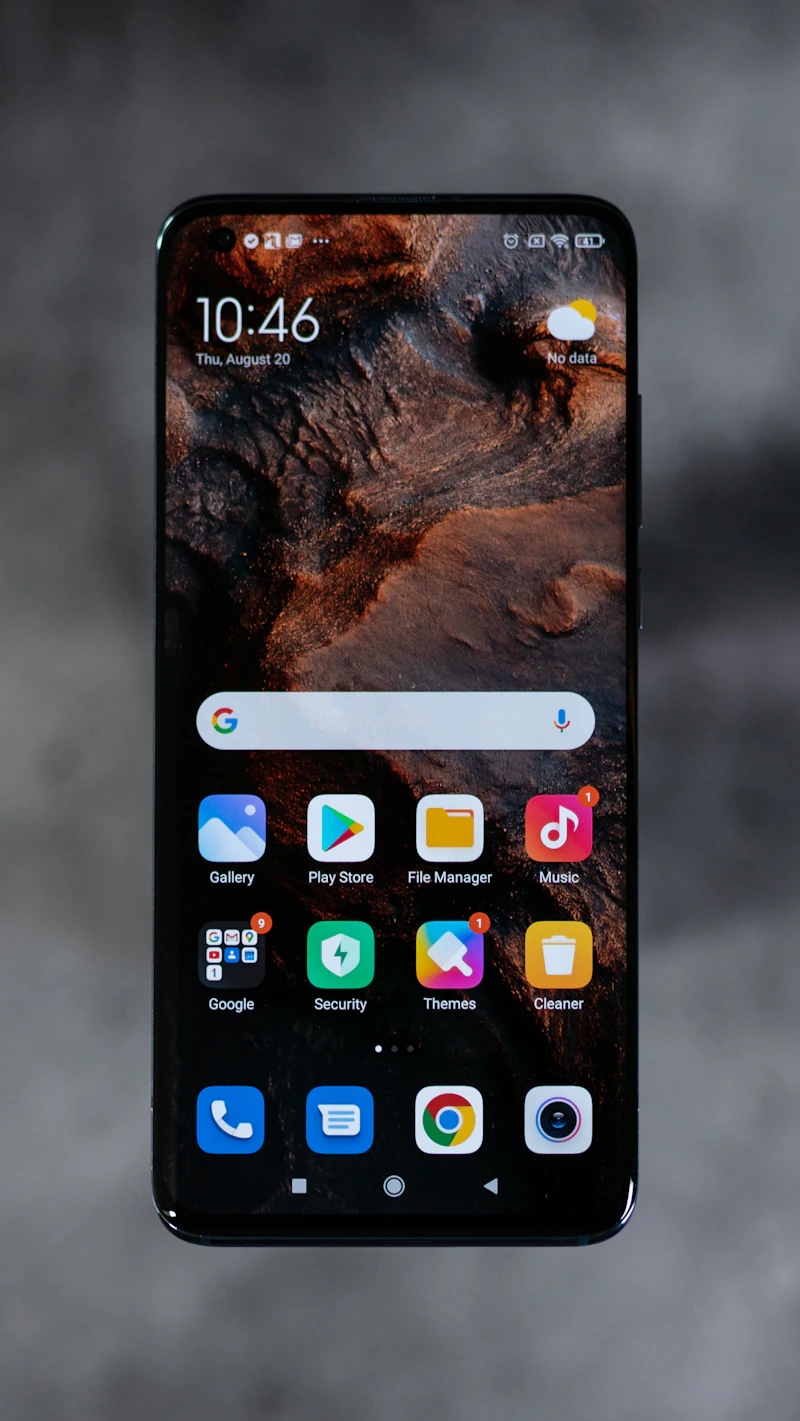
- Open Settings > Storage to see what takes the most space.
- Back up photos and videos to Google Photos or a computer, then delete them from the phone.
- Clear WhatsApp media: Settings > Storage and data > Manage storage.
- Clear app cache for big apps (Facebook, TikTok, Chrome).
- Uninstall apps you have not used in months.
- Delete old downloads and duplicate files.
If you always run out of space, choose 128GB or more for your next phone.